THAT’S A WRAP FOR TODAY
Even great hairlines
need a break.
You have reached today’s preview limit.
Your finished preview is still yours to compare and save below.
STEP 3 · CREATING YOUR PREVIEW
New hairline.
Who dis?
Usually 1–2 minutes.
Sometimes longer.
We’ll text you
when it’s ready.
You can close this page. Open the link in your text to see your preview.
Return to my designLET’S RECONNECT
A little connection hiccup.
Check your internet connection, then try again.
PRIVATE PREVIEW
Welcome to the studio.
Open your private preview link to begin.
YOUR PRIVATE PREVIEW
Your design is ready
to become your photo.
Confirm your mobile number and create your free SMP preview. Your photo and chosen hairline are already saved.
Allow about 1–2 minutes after you tap below.
Some images take longer. Your preview will appear automatically, and we’ll text you when it’s ready.
This link can be used once and expires after 30 minutes.
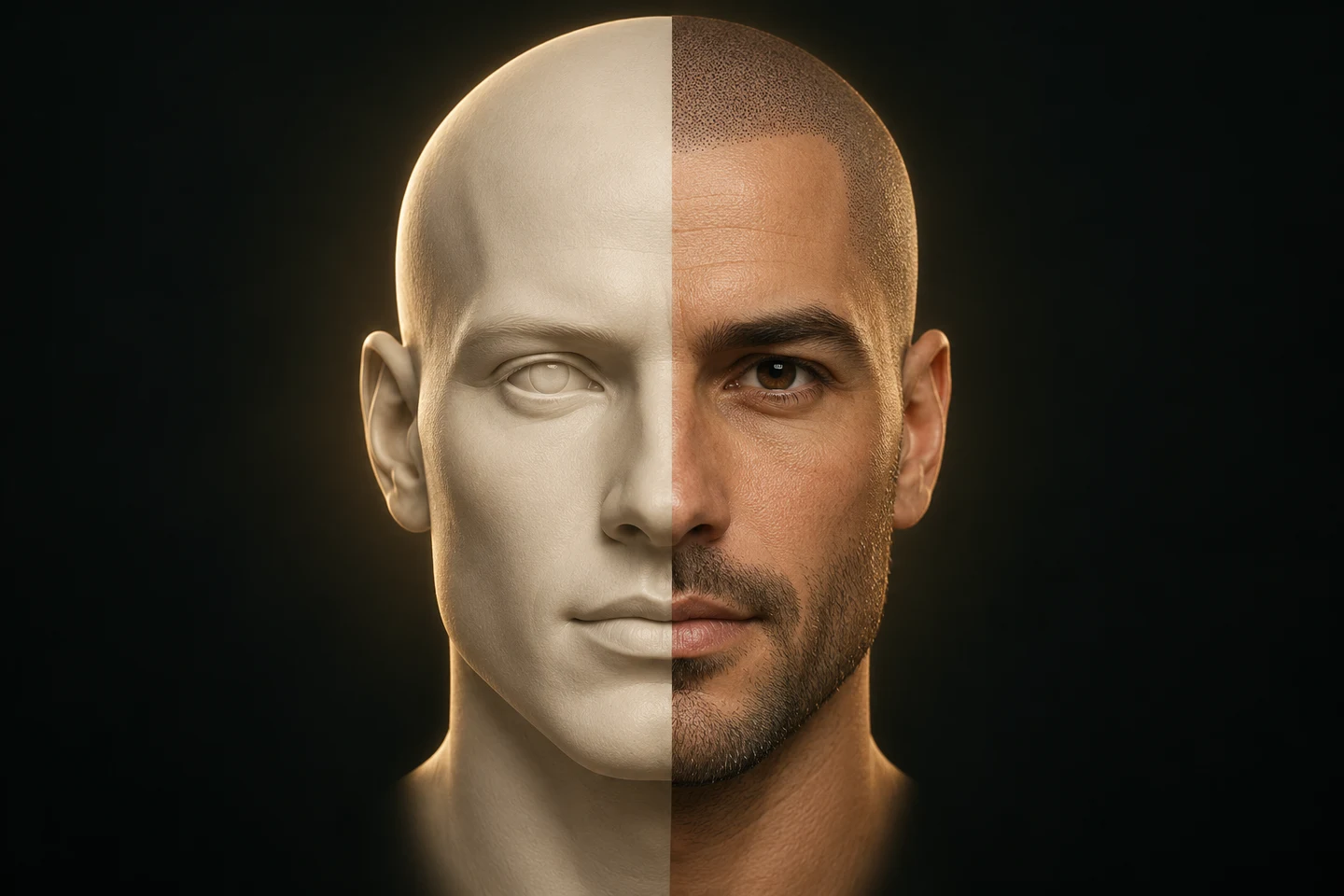
YOUR SMP PREVIEW
SMP Simulator
Take a photo or upload one to begin.
Two quick photos: front, then a little left and down.
Opening your design.
Your photo is saved. One moment.
STEP 2
Choose your hairline.
Your preview is free. An illustration of possibilities; individual results vary.
STEP 3 · YOUR SMP PREVIEW
A new perspective.
Bringing your design to life.
- Photo received
- Creating your preview
- Finishing your image
Allow about 1–2 minutes; some images take longer. Your preview will appear here automatically.
Illustrative preview. Your practitioner will assess the design and treatment with you.